

I'M
Angelo
Moyers.
ASSOCIATE GRAPHICS ENGINEER
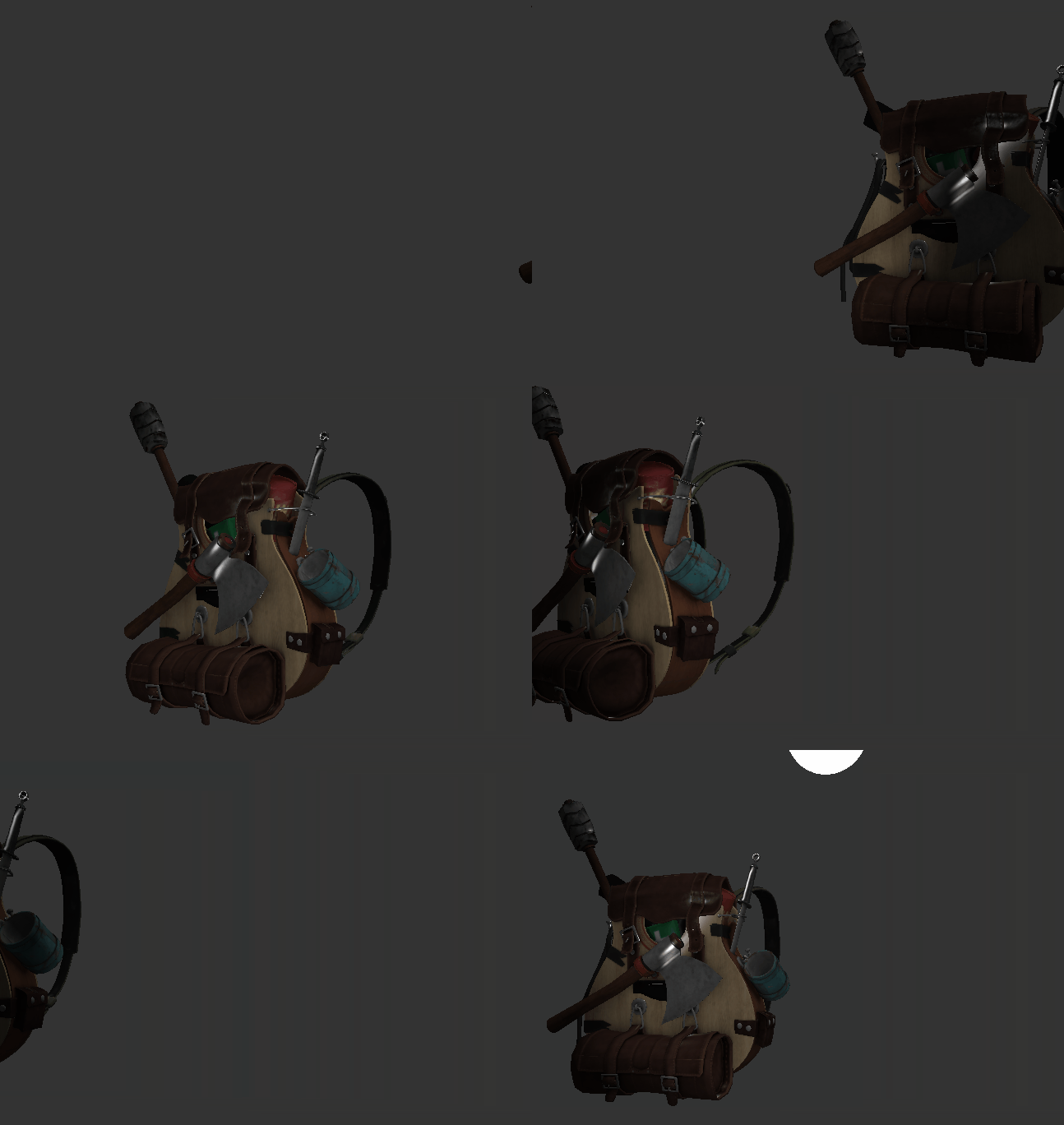
Supported Features
-
Model Loading
-
Phong Lighting
-
Custom Shaders
-
Input/Controls
External codebases:
-
OpenGl
-
GLAD
-
GLM
-
GLFW
-
Assimp
-
STB Image loading
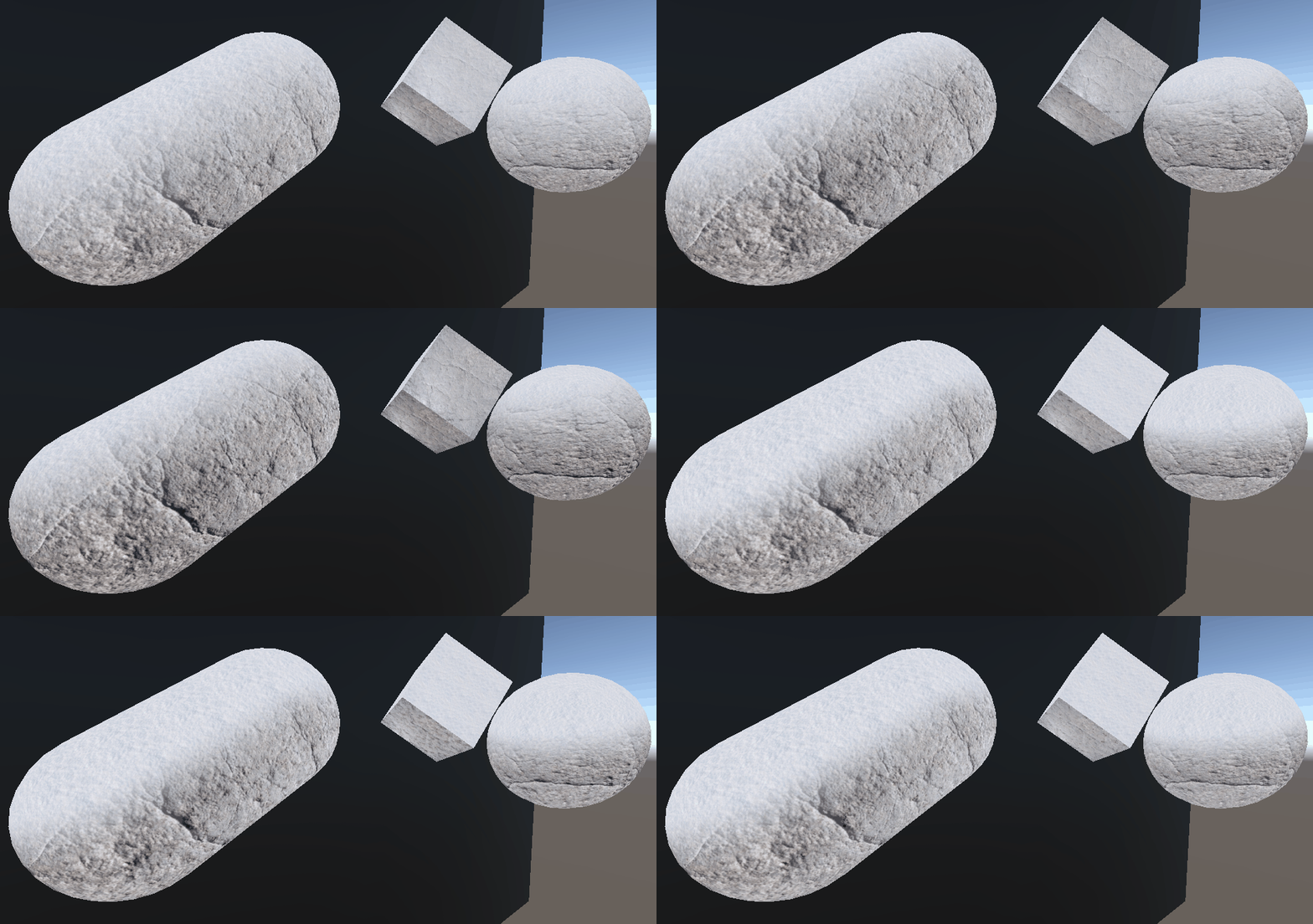
This is a relatively simple shader which is designed to take in a snow texture which it uses to overlay over an object's mesh to give the object the appearance of being snow-covered. It has several tunable traits, which can all be used by the developer to achieve the desired effect.
Tunable Data:
-
Snow Coverage - Affects how much of the object should be covered by snow
-
Snow Falloff - Tunes how sharply the snow's edge retreats
-
Offside Snow Strength - Allows the user to add powdering to the sides of the mesh where snow is not packed
-
Noise - Adjusts the Offside Snow's shape, size, intensity, and more
-
Colors - Allows easy control over the textures' colors
-
Textures - Of course, controls which textures are used to present the mesh with
Snow Shader
CONTACT
Please feel free to contact me by submitting your info here, or directly via the email below:
PORTFOLIO
Opengl Realtime renderer/
game engine
Using the incredible guidance from LearnOpenGL.com, I've taken the opportunity to delve (again) into real-time rendering. Using OpenGL, as well as several supporting libraries, I've been able to implement the basics of a real-time rendering engine, and am now excitedly delving into the more advanced topics.
This project is a work in progress, so please feel free to check in at the github repository linked below to see the latest improvement I've been working on. If you read the commit comments, you may even see what I'm planning for the future!
Github repo here
Raytracer


Following the guidance of Peter Shirley's Raytracing In One Weekend, I built a small Raytracer in C++ which supports:
-
Lights/Emission
-
Various Textures
-
Solid Color
-
Checker
-
Image
-
-
Various Materials
-
Shiny/Metal
-
Lambertian/Diffuse
-
Dielectric
-
-
Background/Ambient Color
This project allowed me to further explore the complex math involved in common graphics computations, and helped to solidify my understanding of 3D math. It is also the beginning of a pet project, which I will continue to expand on as a learning source.
Github repo coming soon!
Hologram Shader
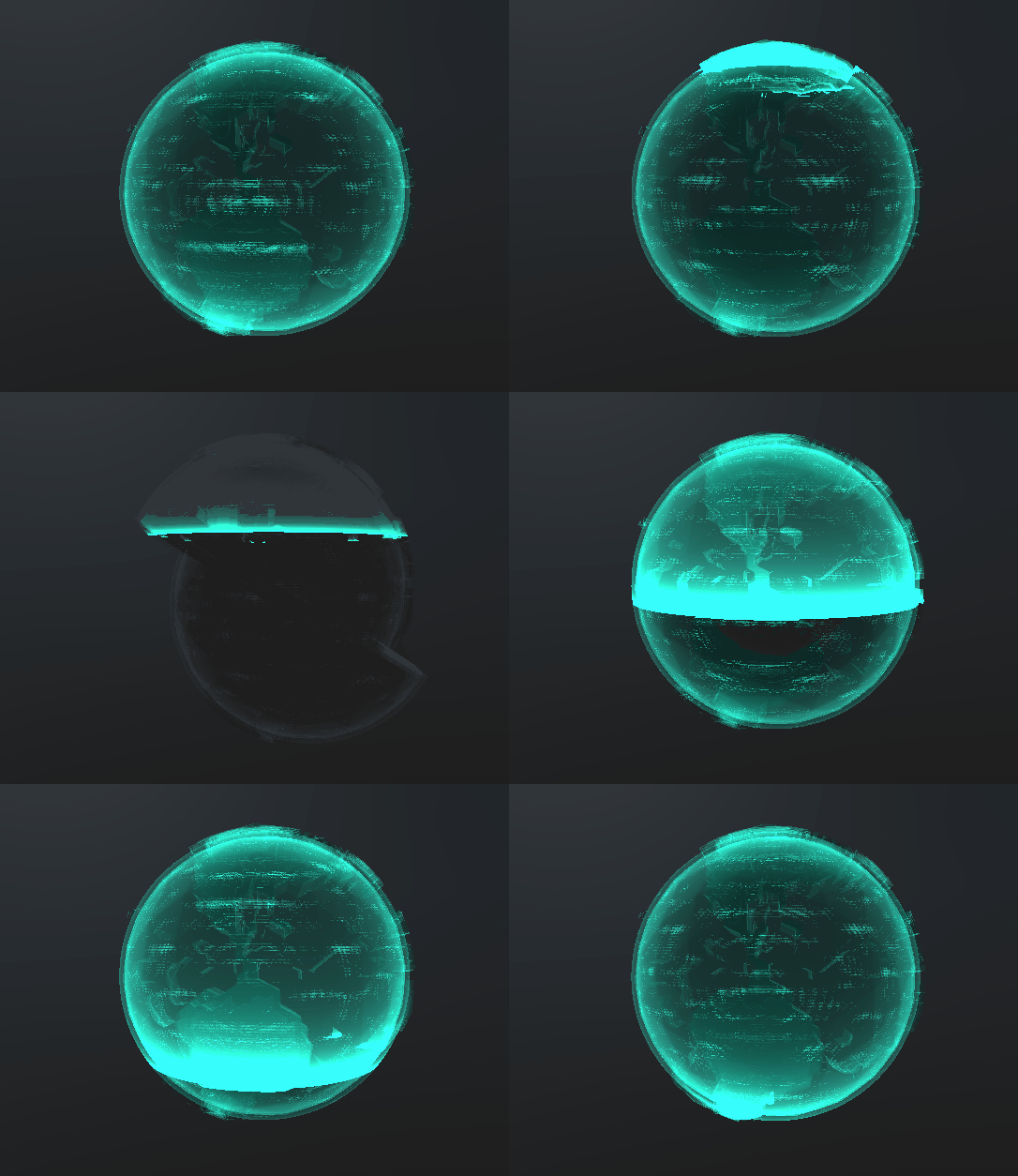
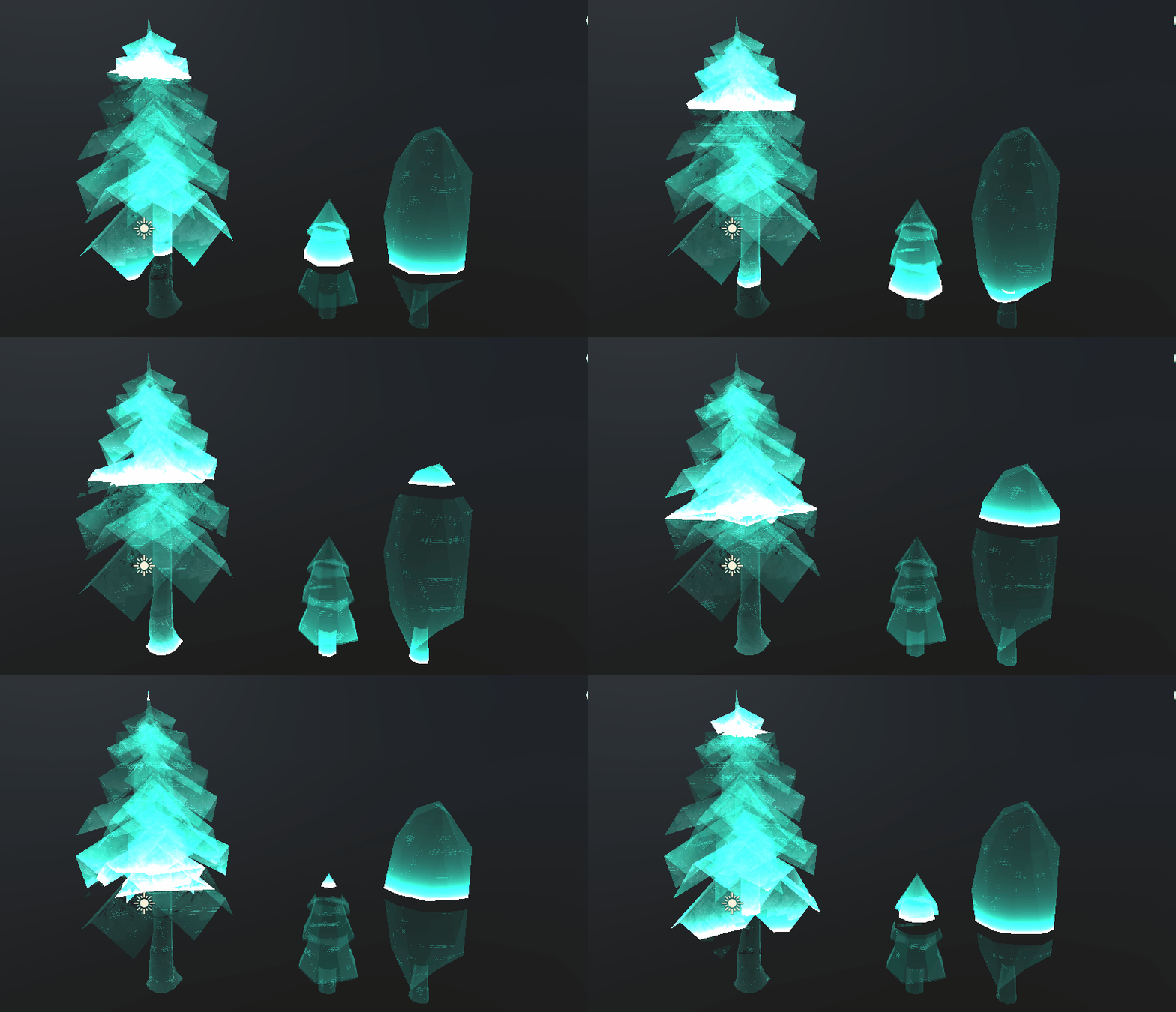
This small project is part of a deeper exploration into the graphics pipeline and shaders. This started in GLSL using ShaderToy, which I used to experiment and explore different applications of mathematical equations in shaders. It was then moved to Unity, using HLSL, and modified and iterated on from there.
This shader's code involves:
-
Tunable Noise
-
Tunable Glitch/Flicker Effect
-
Modifies the vertices by passing their position through a sin wave with several modifiable values
-
Changes the color during the glitch to a secondary selected color
-
-
A scan effect based on the mesh's local vertex position
-
Scan direction, color, intensity, and speed are all modifiable
-
-
Fresnel shading
-
Easily modifiable ramp and intensity values
-
-
Red Cutout threshold
-
Used to adjust the "invisible" area directly following the scan.
-
Cross-Hatch Shader
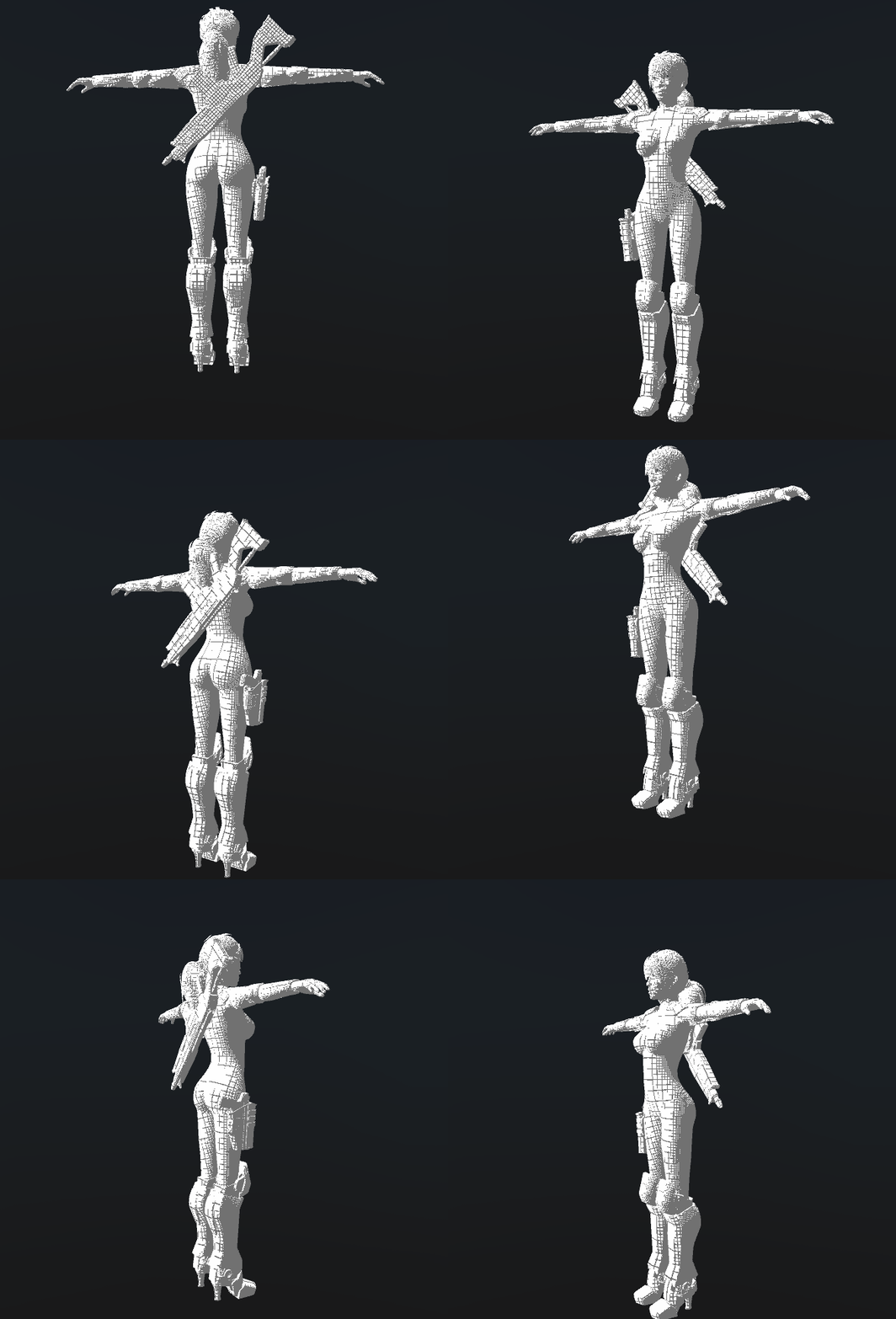

This is a shader for Unity which was inspired by Cross-Hatching, a shading technique typically used in more traditional mediums of art.
Put as simply as possible, this shader calculates the amount of light the pixel has received, and separates the mesh out into sections based on a tunable "interval threshold." These intervals then modify the density of the grid being drawn, doubling the amount of lines drawn for every interval. It then smooths the edges of the grid lines, thinning them as they approach brighter parts of the mesh. Lastly, the grid's color is blended with the texture, allowing for transparent grid lines and color blending.
This shader supports easily tuning colors, the grid's density, line thickness, blend ratio, and even can be set to receive and calculate shadows with a simple tick of a box.